Tool walkthrough · 2 minutes to run
How to test your LinkedIn profile: the 8-Second Test, step by step

Published July 11, 2026
TL;DR
Export LinkedIn's PDF of your profile (Resources → Save to PDF), open the free 8-Second Test, pick who's looking and how blunt to be, upload the PDF, answer a few honest questions. You get the verdict that stranger forms in eight seconds, in their voice, quoting your actual profile. Fix the headline first.
Every person who matters to your business looks you up before replying: the investor who got your deck, the buyer you cold-messaged, the candidate you're courting. They spend about eight seconds on your profile, form a verdict, and you never get to see it. The 8-Second Test shows you that verdict, and this page walks through every screen so you know exactly what to prepare and what the result means.
The eight steps
This is the only prep. On your own profile:
On some layouts Resources hides under More, under your headline. LinkedIn generates the file and downloads it in about ten seconds. Screenshots and resumes won't work; the test reads LinkedIn's own export, because that's your profile exactly as written.
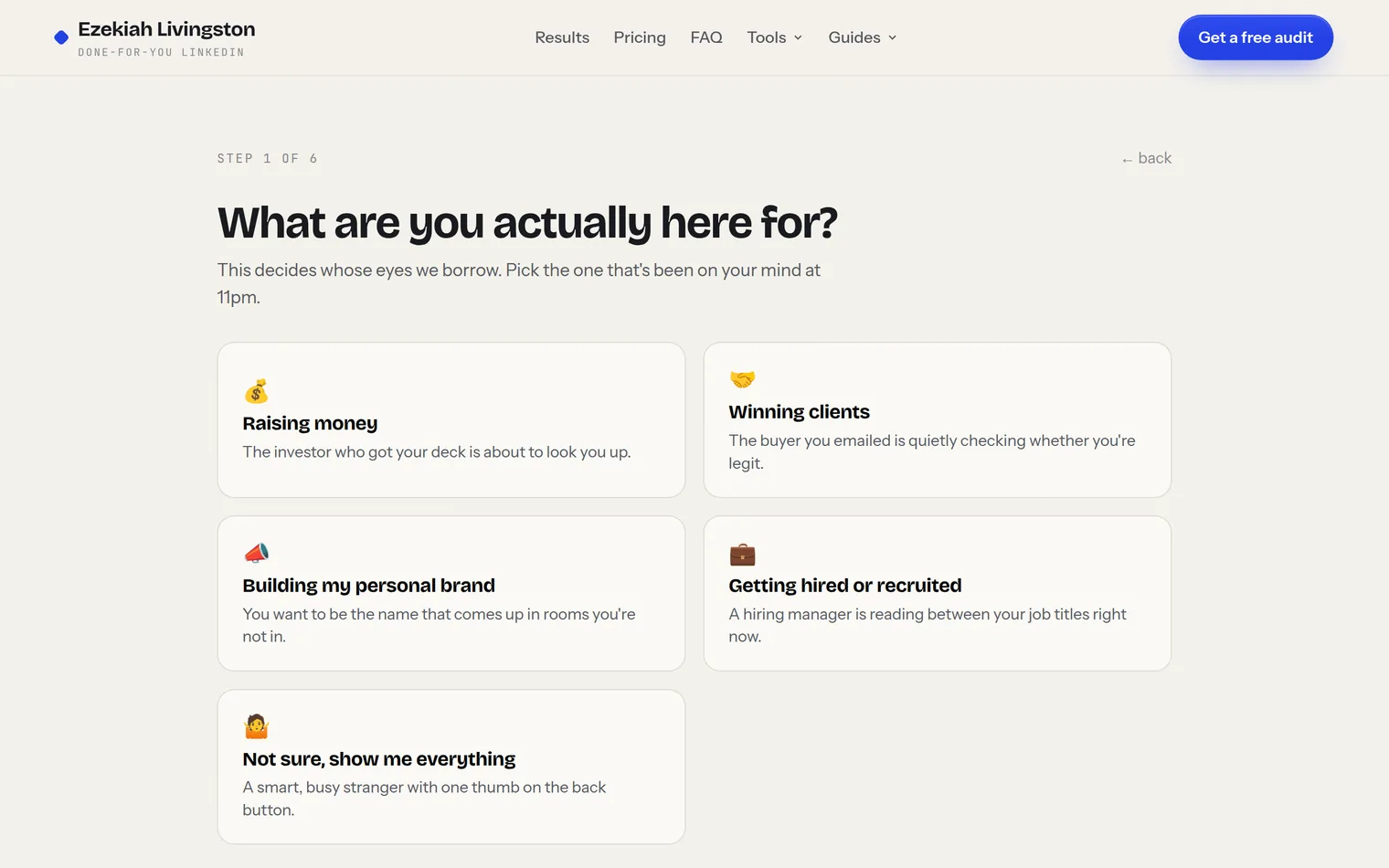
An investor who just got your deck, a buyer deciding whether to reply, a hiring manager, or your future audience. This isn't cosmetic: the same profile reads completely differently to each of them, and the verdict is written in that reader's voice.
Straight up, no mercy, or easy on you. The findings don't change, only the delivery. Take no mercy if you can; it's the one closest to what strangers actually think.
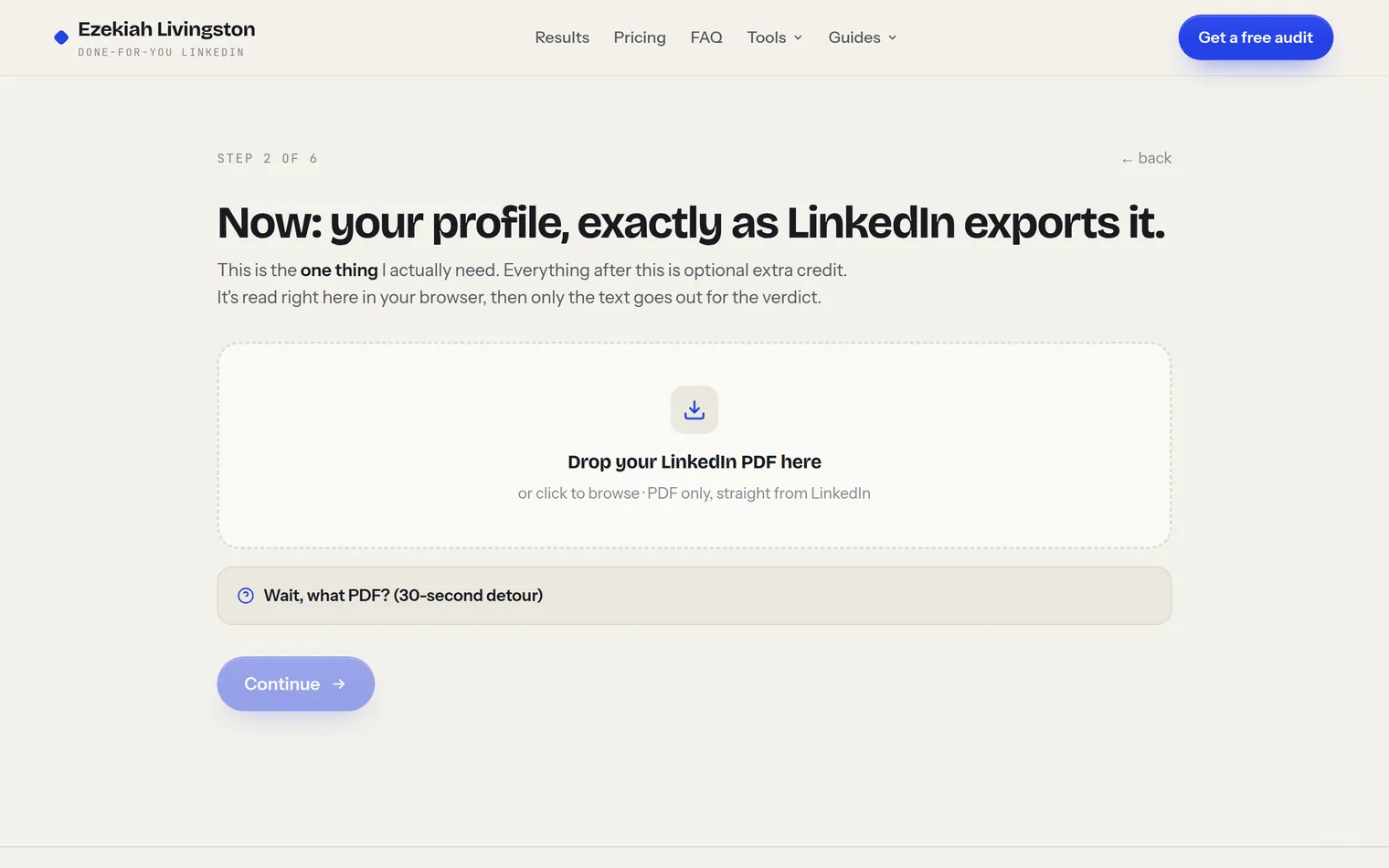
Drag it onto the upload area or click to pick the file. It's read in your browser, processed once for the verdict, and stored nowhere.
These two get judged before a single word is read. Upload them and a vision model looks at what a stranger sees, or skip the upload and answer a question about what's up there instead. Honor system, but the audit is only as honest as your answer.
What's pinned in your Featured section, and how often you actually post. An empty Featured section and a last post from 2024 are both things a stranger notices inside their eight seconds.
Paste a competitor's headline or profile text and the same stranger compares you side by side. Skippable, but sobering.
Here's the shape of what comes back:
"I can tell he's technical. I can't tell what the company does, who pays for it, or why he's the one to build it. Nothing here would survive the partner meeting. Pass for now."
Real traction number in the About section. Specific, credible, buried three paragraphs deep.
"CEO at Stealth" headline says nothing. Banner is the default gray. Featured section is empty.
The verdict quotes your actual profile text, so you can see which line produced which conclusion. Below it: what landed, what cost you, and the personalized fix list, which unlocks with your email and consent to be contacted about the results.
What to fix first
Work the fix list top down; it's ordered by impact. In practice the order is almost always: headline, photo and banner, the first two lines of About, Featured. The headline goes first because it travels everywhere: search results, comments, connection requests. The rest of your profile only gets read if the headline survives.
Then remember the profile is only half the funnel. The profile converts attention; your posts create it. Run your last few posts through the Content Audit (walkthrough here) so both halves hold up, and if you want the manual version of the profile check, the 10-minute audit checklist covers it section by section.
Free · two minutes · nothing stored
See the verdict strangers already formed about you
Export your PDF, pick who's looking, and read what they decide in eight seconds. In their voice, quoting your profile.